No products in the cart.

Explore Invopoint free tools for invoicing, pricing, tax, VAT, cash flow, payment fees, due dates, and SMB billing decisions.
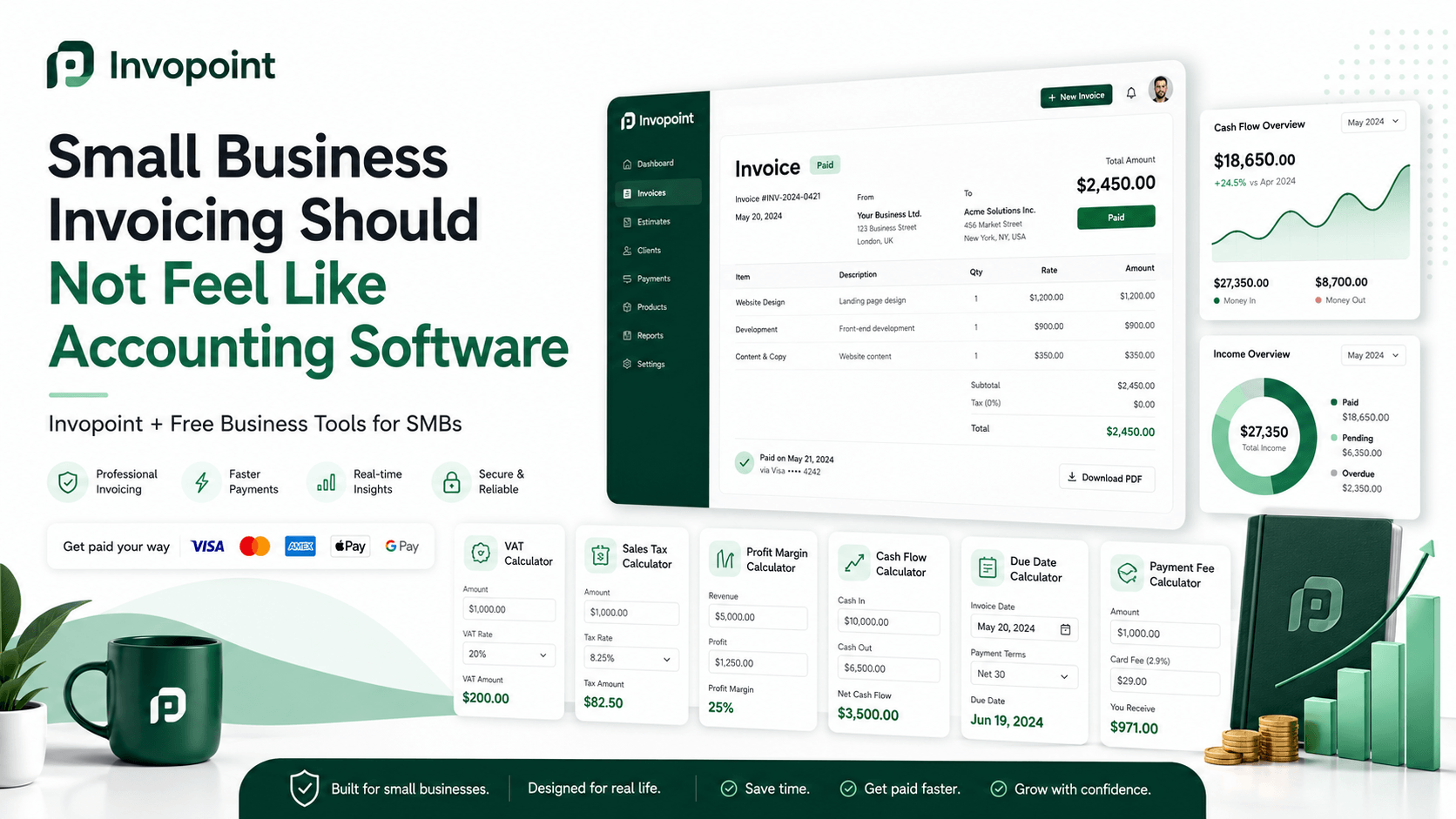
Small businesses do not need more complicated finance software. They need faster answers, clearer invoices, better payment tracking, and practical tools that help them make decisions before money is lost. That is why Invopoint launched a complete collection of free business tools and calculators for SMBs, freelancers, consultants, agencies, and B2B service providers across the USA, UK, and Europe.
The goal is simple: help businesses calculate pricing, tax, VAT, margins, fees, due dates, cash flow, and payment terms before creating an invoice. Once the number is clear, businesses can move directly into professional billing with the free online invoice generator and manage the full invoicing workflow inside Invopoint.
An invoice is not just a document. It is the final output of several financial decisions. Before a business sends an invoice, it usually needs to know what to charge, which tax or VAT rate applies, whether the price is profitable, when payment is due, whether a discount still makes sense, and how much will be received after payment processing fees.
Many small businesses still calculate these numbers manually in spreadsheets, emails, notes, or mental math. That creates risk. A wrong tax amount, weak margin, unclear due date, or underestimated card fee can reduce profit and damage cash flow. Invopoint free tools solve this problem by giving business owners fast, browser-based calculators for everyday financial decisions.
If you already know the amount you need to charge, you can start immediately with the free online invoice generator. It helps you create a clear, professional invoice for clients without unnecessary complexity. A strong invoice should include customer details, invoice items, payment terms, due date, tax information, total amount due, and a simple structure that makes payment easier for the client.
Invopoint is built for businesses that want faster invoicing, better payment visibility, and cleaner billing operations. The free tools support the decisions around the invoice. The invoice generator helps turn those decisions into a professional billing document.
Tax and VAT calculations are among the most common invoicing problems for SMBs. The Sales Tax Calculator helps businesses calculate sales tax on a price and understand the tax amount and total amount due. This is useful for US businesses and any company that needs to show sales tax clearly before sending an invoice or quote.
The VAT Calculator helps UK and European businesses add or remove VAT from a price. It shows the net amount, VAT amount, and gross total. This is especially useful for service providers, consultants, agencies, and B2B businesses that need clear VAT breakdowns on invoices.
The Percentage Calculator gives quick answers for percentage-based calculations used in tax, discounts, commission, pricing checks, and fee splits. It is a simple but useful tool for everyday finance decisions.
Revenue does not automatically mean profit. That is why Invopoint includes calculators focused on pricing, margin, markup, and break-even analysis.
The Profit Margin Calculator helps businesses understand how much profit remains after costs. This is useful before quoting a project, selling a product, or accepting a new client deal. The Markup Calculator helps convert cost into a selling price by adding a markup percentage. This is important because markup and margin are not the same thing.
The Break-Even Calculator helps estimate how many units, projects, or billable jobs are needed to cover fixed costs. For small businesses, this is useful when testing whether a pricing model is realistic.
The Discount Calculator helps calculate the final price after applying a discount. This is useful for early payment discounts, client negotiations, seasonal offers, and service packages. A discount should never be guessed. It should be checked against margin and cash flow.
Freelancers and consultants often underprice their services because they do not separate working hours from billable hours. Invopoint free tools help service businesses calculate rates and invoice totals more accurately.
The Hourly Rate Calculator helps freelancers and consultants calculate the hourly rate they should charge based on income goals, business expenses, billable hours, and working weeks. The Billable Hours Calculator converts hours worked and hourly rate into an invoice-ready total, with optional tax included.
The Retainer Pricing Calculator helps agencies, consultants, and service businesses calculate a monthly retainer fee based on included hours, hourly rate, and commitment discount. This is useful for recurring client relationships where stable monthly billing matters.
The Salary to Hourly Calculator helps compare an annual salary with hourly, daily, and monthly figures. This is useful when moving from employment to freelancing, setting consulting rates, or comparing internal cost with outsourced work.
Clear payment terms reduce confusion and improve follow-up. The Invoice Due Date Calculator helps calculate the exact payment due date based on invoice date and payment terms such as net 7, net 14, net 30, or net 60. A clear due date makes the invoice easier to understand and easier to chase if payment becomes overdue.
The Invoice Late Fee Calculator helps estimate a late fee on an overdue invoice based on invoice amount, monthly late fee rate, and days overdue. This is useful for businesses that include late payment terms in their contracts and invoices.
These tools work best when combined with a structured invoicing process. Create the invoice, define the due date, send it to the client, track status, and follow up based on real payment data rather than memory.
Cash flow is one of the most important operating metrics for small businesses. Profit on paper does not always mean cash in the bank. The Cash Flow Calculator helps compare money coming in, money going out, and current cash balance to estimate net cash flow and runway.
The Payment Processing Fee Calculator helps businesses estimate how much is lost to card or online payment processing fees. This matters when clients pay by card, PayPal, Stripe, or another payment method. A business may invoice $1,000, but the amount received after fees may be lower. Pricing should reflect that reality.
The Revenue Growth Calculator helps compare revenue between two periods and project future revenue if the same growth rate continues. The ROI Calculator helps evaluate business investments, campaigns, tools, and projects by showing net gain and return on investment.
Invopoint also includes tools for broader business planning. The Loan Repayment Calculator estimates monthly payments, total repaid, and total interest for a business loan. This is useful when evaluating financing, equipment purchases, or short-term working capital options.
The Compound Interest Calculator helps estimate how a balance can grow over time when interest is earned on both principal and previous interest. The Price Per Unit Calculator helps compare supplier offers, bulk pricing, pack sizes, and purchasing options by showing the true unit cost.
The best way to use these tools is to connect them into a simple billing workflow. First, calculate the number. Second, confirm the price, tax, VAT, due date, margin, or fee. Third, create a professional invoice with the free invoice generator. Fourth, send it to the client. Fifth, track whether the invoice is paid, unpaid, overdue, or pending.
This workflow helps businesses move from guessing to structured billing. It also reduces the risk of sending invoices with weak pricing, unclear terms, missing tax information, or poor payment visibility.
Invopoint is designed for small and medium businesses operating across the USA, UK, and Europe. That is why the free tools cover both sales tax and VAT, online payment fees, invoice due dates, cash flow, pricing, and revenue growth. The markets are different, but the core business need is the same: clear numbers, professional invoices, and faster payment workflows.
For US businesses, the sales tax, payment fee, cash flow, and invoice tools are especially useful. For UK and European businesses, the VAT, due date, late fee, and professional invoicing tools can support cleaner billing operations. For freelancers and consultants, the hourly rate, billable hours, and retainer pricing tools help improve pricing discipline.
You can browse the full collection here: 20 free business tools and calculators by Invopoint. The collection includes tools for tax, VAT, pricing, margins, discounts, break-even analysis, invoice due dates, late fees, billable hours, retainers, cash flow, payment processing fees, loans, compound interest, unit pricing, ROI, salary conversion, and revenue growth.
Use the calculators when you need a quick answer. Use Invopoint when you are ready to turn that answer into a professional invoice, track payment, and manage the billing workflow with more control.
Small business invoicing should not feel like heavy accounting software. It should be simple, practical, and connected to real business decisions. Invopoint free tools help businesses calculate faster. The free online invoice generator helps them invoice faster. Together, they create a cleaner workflow for pricing, billing, payments, and cash flow.
Start with the number. Create the invoice. Track the payment. Improve the next decision.

 Anton Liashenko
Apr 17, 2024
 Anton Liashenko
Apr 24, 2024
 Anton Liashenko
Nov 17, 2023
 Anton Liashenko
Nov 13, 2023
 Anton Liashenko
Nov 08, 2023