No products in the cart.

Track revenue by customer, identify high-value accounts, monitor unpaid invoices, and improve cash flow with customer income reports connected to your B2B invoicing workflow.
Create Free AccountExplore Reporting FeaturesInvopoint Income by Customer Reports help small businesses, agencies, consultants, accountants, and service providers understand how much revenue each client generates. Compare customer income, monitor paid and outstanding invoices, identify valuable accounts, and make more informed billing and cash flow decisions from one organized workspace.
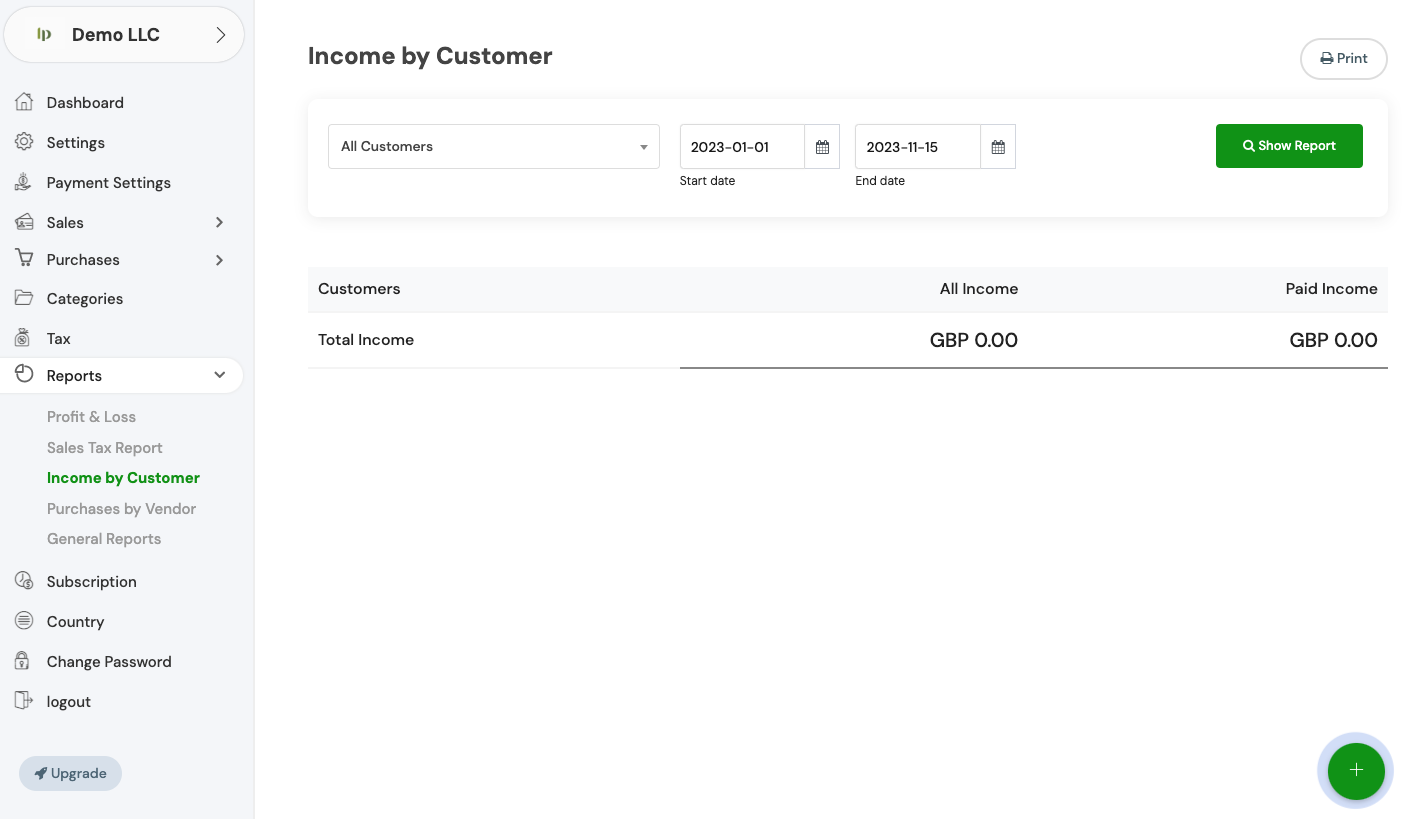

Income by Customer Reports convert invoice and payment activity into a clearer customer-level revenue view. Instead of reviewing invoices individually, you can compare account performance and focus collection activity where it matters most.
Review the income associated with each customer and compare account contribution across your client base.
Understand which customer invoices have converted into collected revenue and which accounts pay consistently.
Identify unpaid and overdue customer balances that may require reminders or direct collection follow-up.
Recognize when a large proportion of revenue depends on a limited number of customer relationships.
Free Invoices Monthly
Saved Client Records
Core Market Coverage
Cloud Reporting Access
Customer income reporting gives business owners and finance teams a clearer basis for account management, forecasting, credit control, and commercial planning.
Customer Income Overview

Review customer-level income and compare the revenue contribution of individual accounts using connected invoice and payment records.

Create branded invoices with products, services, taxes, discounts, payment terms, notes, and multiple currency options.

Support online payments through available payment integrations and keep payment activity connected to the relevant invoice.

Monitor unpaid and overdue customer balances so finance teams can prioritize reminders and collection activity.

Review invoice activity, payment records, expenses, revenue, and broader financial performance from one reporting workspace.
Invopoint keeps customer records, invoices, payment status, and reports connected so revenue analysis can be completed without rebuilding data manually in separate spreadsheets.
Store billing information and maintain an organized history of invoices, payments, and outstanding balances for each customer.
Create and send professional invoices linked to the relevant customer, service, project, payment terms, and currency.
Track whether invoices are paid, partially paid, unpaid, pending, or overdue as customer payment activity changes.
Use Income by Customer Reports to compare account revenue and identify the customer balances or trends that need attention.
The report is suitable for businesses that invoice multiple customers and need a clearer view of account-level revenue and receivables.
Compare revenue across retainers, projects, and client engagements while monitoring unpaid account balances.
Review customer billing activity and support finance discussions with more structured customer revenue data.
Understand which customer relationships support growth and which unpaid balances are restricting cash flow.
Customer Revenue and B2B Invoicing Answers
Navigate to the 'General Settings' section in your Invopoint dashboard, select 'Change Password,' enter your current password, followed by your new password, and confirm your new password before clicking 'Save.
Click on the 'Forgot Password' link on the login page, enter your registered email address, and follow the instructions sent to your email to reset your password.
Go to 'General Settings' in your Invopoint dashboard, edit the necessary fields such as business name, address, contact information, and save the changes.
Click on the 'Upload Logo' option within the 'General Settings' section, select your logo file, and click 'Save.'

Create professional invoices, manage customer records, track online payments, monitor outstanding balances, and review customer income reports from one B2B billing workspace.