No products in the cart.

Create and manage tax rates, apply them across your invoicing workflow, organise VAT and sales tax information, and keep tax data connected to invoices, expenses and financial reports inside Invopoint.
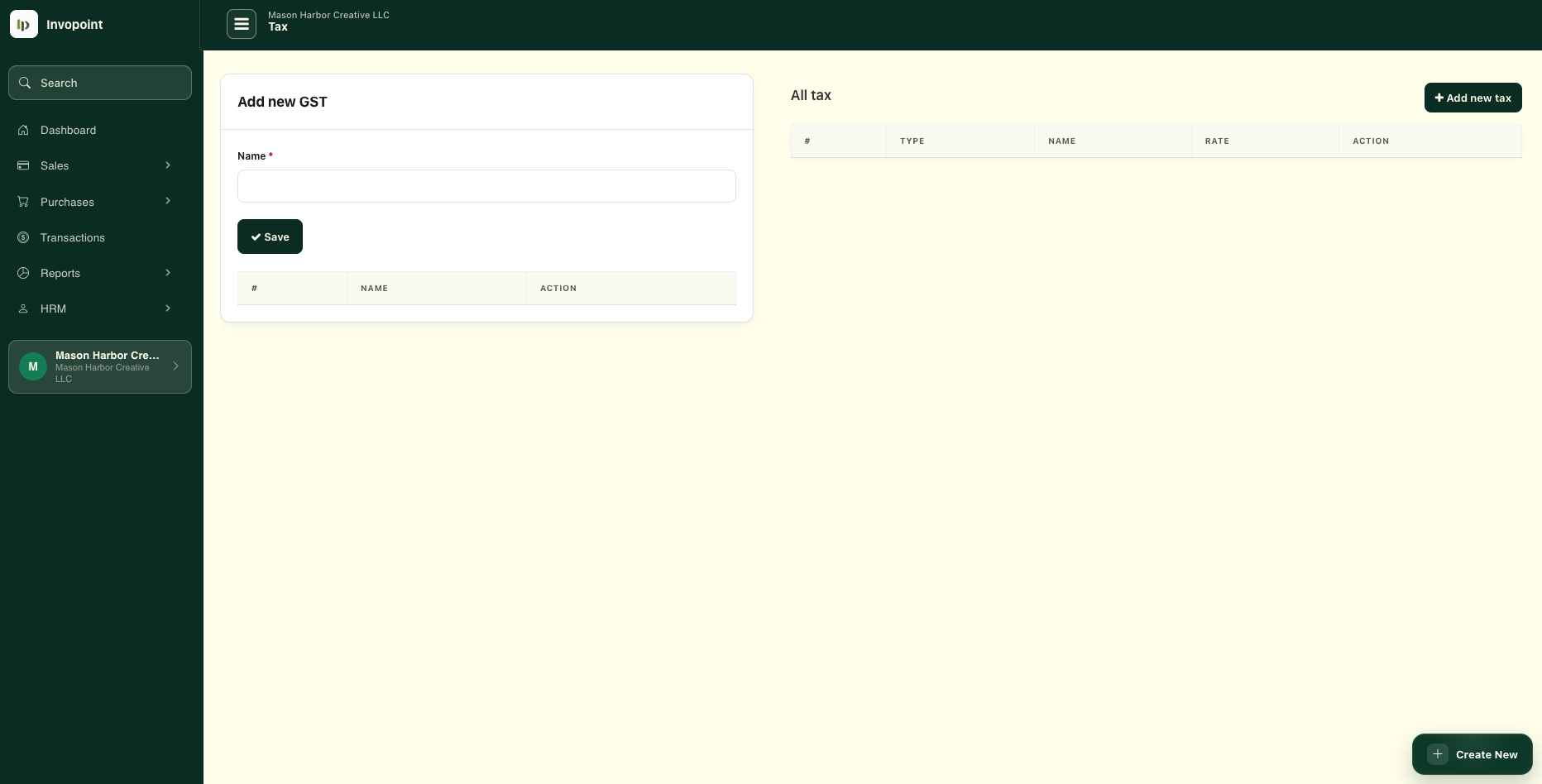
Create reusable tax rates and keep them available across your billing workflow.
Keep VAT information connected to invoices and other financial records.
Apply the appropriate tax rate while preparing customer invoices.
Review tax information alongside sales, expenses and business reports.
Keep your commonly used VAT, sales tax, GST and other business tax rates organised inside Invopoint instead of entering the same information manually every time you prepare an invoice.
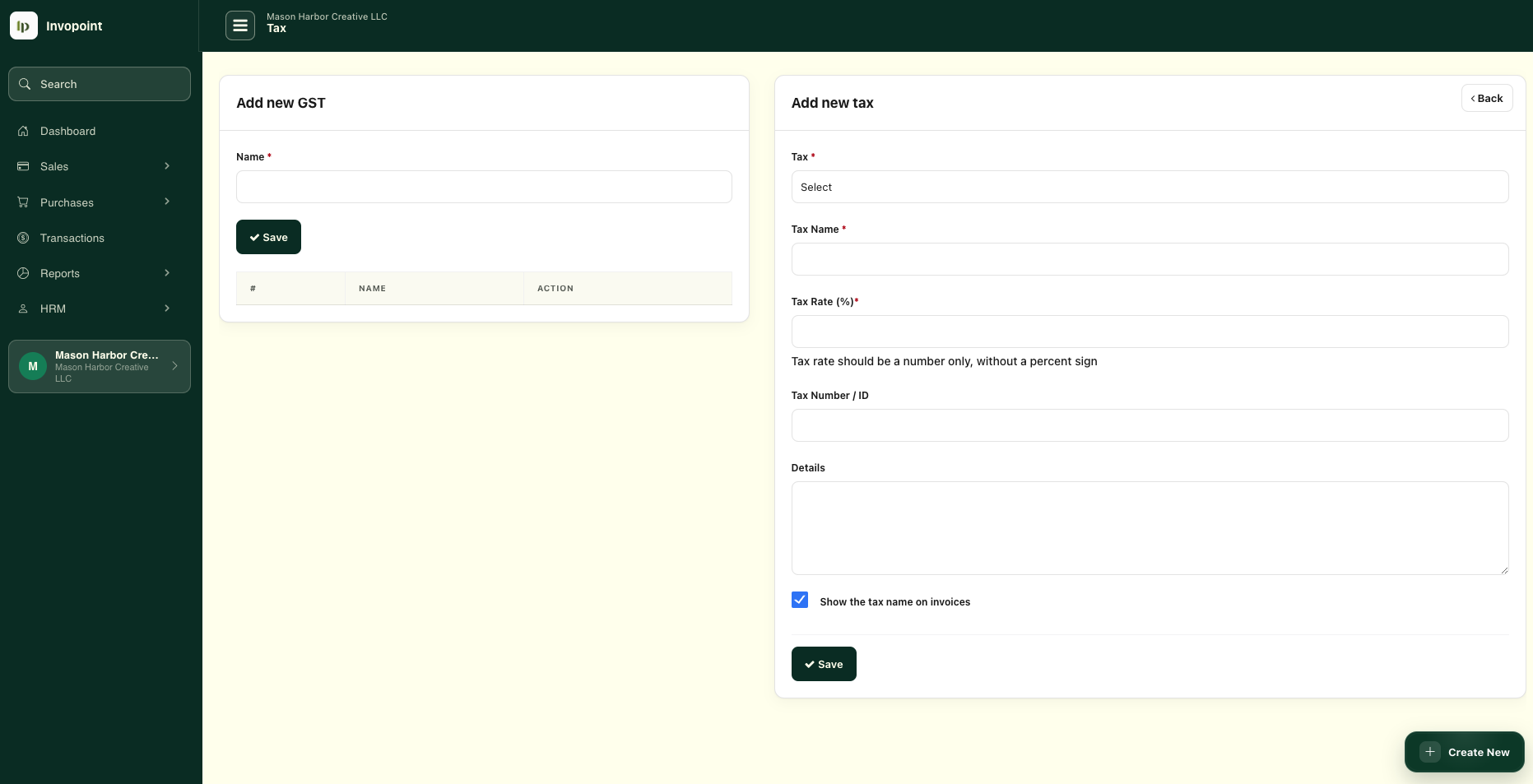
Manage tax settings from the same platform you already use for customers, invoices, expenses and reporting. Your finance workflow stays connected instead of being split between separate spreadsheets and billing tools.
Tax data becomes more useful when it remains connected to the transaction and billing records behind it.
Add the tax configuration your business needs for customer billing.
Use the appropriate saved tax rate when preparing an invoice.
Keep tax amounts connected to the underlying invoice and finance records.
Use structured records when reviewing tax, revenue, expenses and business performance.
Keep the operational side of tax connected with the sales and purchase records your business creates every day.
Keep VAT information organised alongside the invoices and business records that contribute to your finance workflow.
Create and maintain the tax configurations required by your business instead of manually entering the same information repeatedly.
Keep invoice tax information visible as part of the customer billing process and overall invoice total.
Explore invoices →Keep purchase and expense information available alongside the sales records used across your financial workflow.
Explore expenses →Organise income and expenses consistently to produce cleaner financial records for review and tax preparation.
View categories →Review tax information together with invoices, payments, expenses, customers, vendors and other financial activity.
View reports →We are developing a new UK VAT workflow designed to let businesses move from VAT records to VAT Return preparation and online submission without leaving Invopoint.
The goal is to connect the information already recorded through invoices, expenses and tax settings with a simpler digital VAT reporting workflow.
Bring together relevant VAT information from your Invopoint business records.
Review the return information before confirming that it is ready for submission.
Planned online submission will reduce the need to move VAT figures manually between separate systems.
Move between tax settings, invoices, expenses, categories and reports without rebuilding the same financial information in separate tools.
Create customer invoices and keep tax information attached to the billing record.
PURCHASESRecord business costs and maintain clearer purchase information for finance review.
STRUCTUREClassify income and expenses consistently across your financial records.
REPORTINGReview financial activity using reports connected to the underlying records.
Invopoint keeps tax administration close to the invoicing and finance workflows already used by small and medium businesses.
Keep tax rates connected to project, retainer and professional service invoices.
Maintain consistent tax settings while invoice volume and business activity increase.
Keep different tax configurations organised alongside multi-market billing workflows.
Manage tax settings alongside the invoices, expenses and reports your business already uses.
Invopoint lets you maintain tax settings and keep tax information connected to your invoicing and financial workflow.
Yes. You can create reusable tax configurations for the rates your business needs and use them across relevant billing records.
Invopoint can be used to keep VAT information connected to invoices and other financial records inside your business workspace.
Not yet. Direct online UK VAT Return submission is a planned feature currently in development. Until it is released, businesses should continue using their existing approved VAT submission process.
Tax records form part of the broader finance workflow alongside invoices, expenses, categories and reporting, helping businesses review their financial activity from one platform.
Create invoices, manage customers, maintain tax settings, record expenses and review reports from one connected Invopoint workspace.
Practical guides for small and medium businesses covering VAT, sales tax, invoicing, expenses, financial records and business reporting.
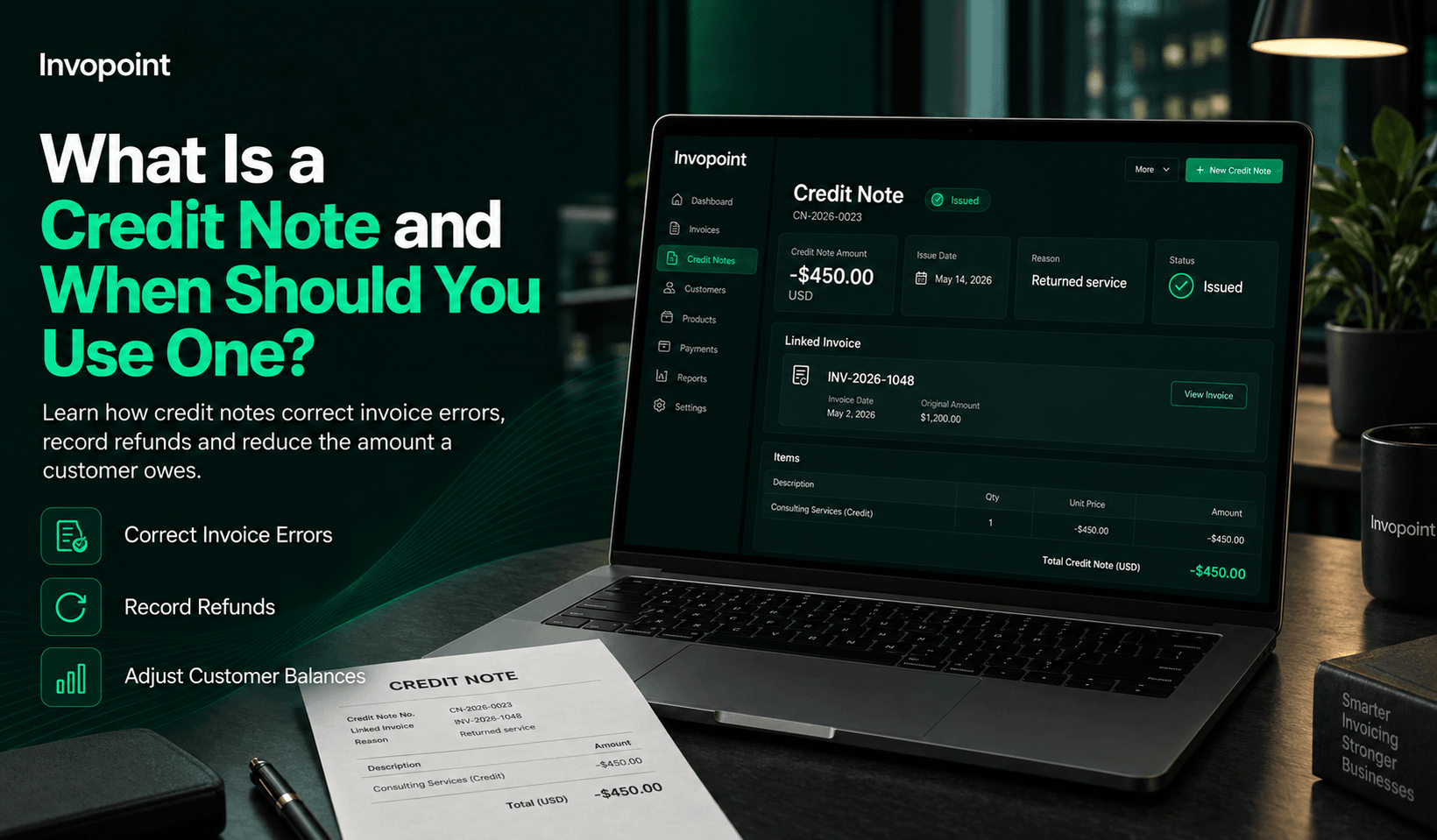
A credit note and when should you use one explained with practical steps, common mistakes, examples, FAQs, and relevant...
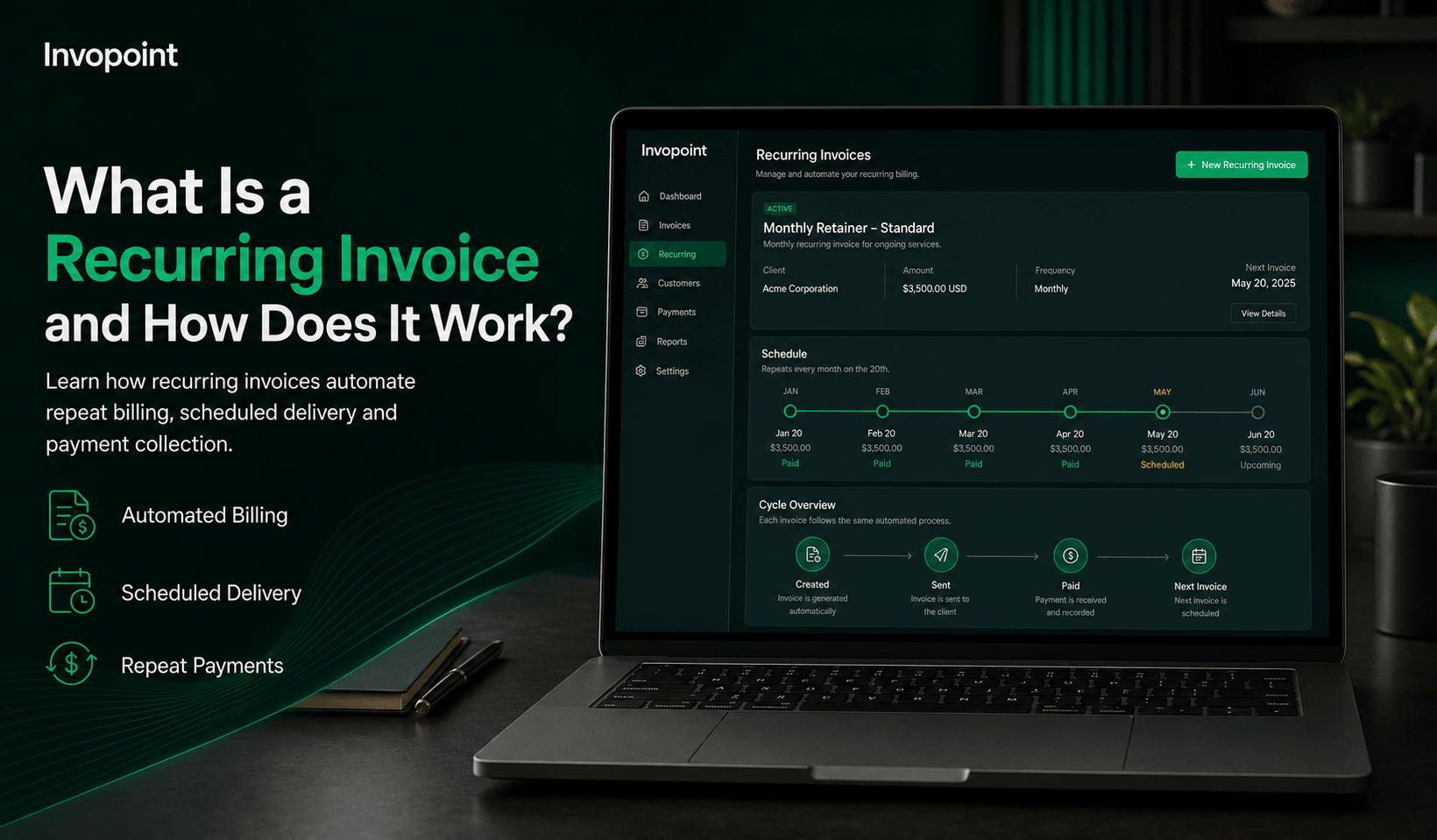
A recurring invoice and how does it work explained with practical steps, common mistakes, examples, FAQs, and relevant I...
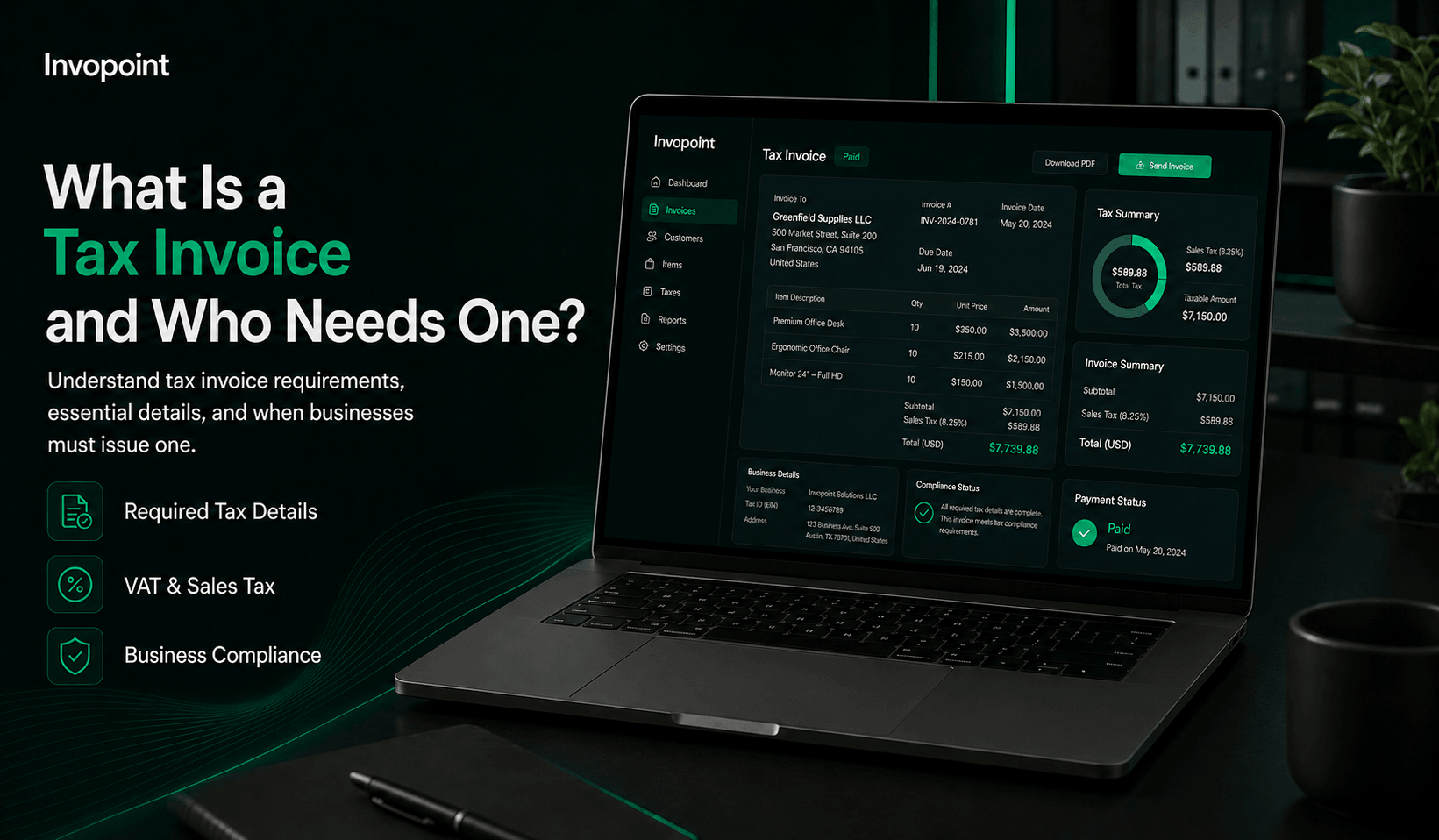
A tax invoice and who needs one explained with practical steps, common mistakes, examples, FAQs, and relevant Invopoint...
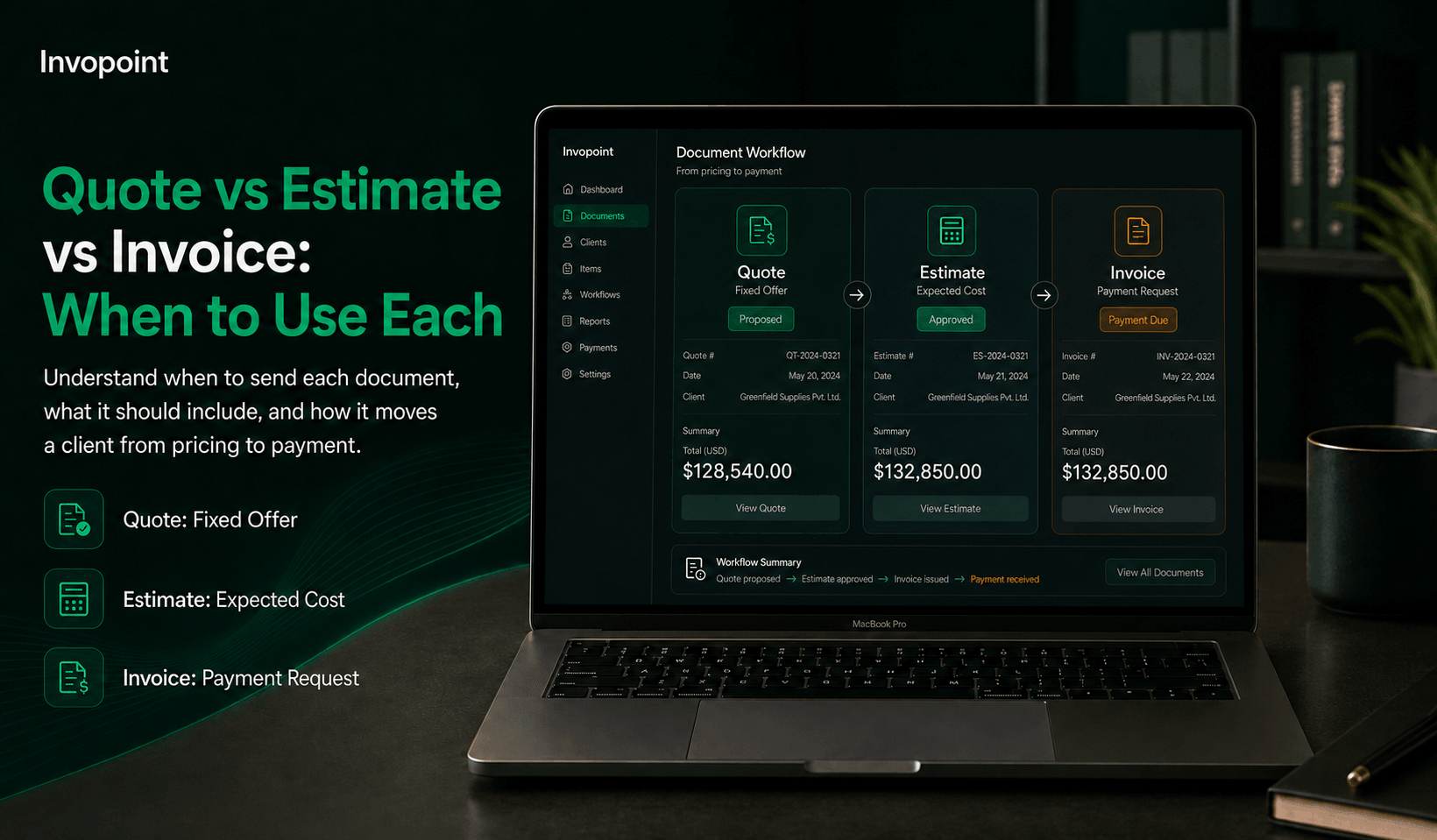
Quote vs estimate vs invoice explained with practical steps, common mistakes, examples, FAQs, and relevant Invopoint too...