No products in the cart.


Invopoint's all-in-one invoicing and subscription management platform simplifies recurring billing, allowing you to focu...

Free invoice solutions help SMBs in the USA, UK, and Europe streamline billing, improve cash flow, maintain tax complian...
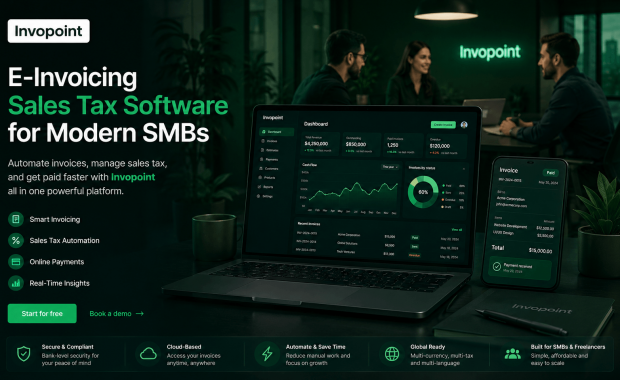
Discover modern e-invoicing sales tax software for SMBs with automated invoicing, online payments, tax tracking, and sec...

Discover the best invoicing software for small businesses in the UK. Create invoices, accept payments, automate billing,...

Aliquam a augue suscipit, luctus neque purus ipsum neque dolor primis a libero tempus

Aliquam a augue suscipit, luctus neque purus ipsum neque dolor primis a libero tempus

Aliquam a augue suscipit, luctus neque purus ipsum neque dolor primis a libero tempus
Feeling inquisitive? Have a read through some of our FAQs or contact our supporters for help
Navigate to the 'General Settings' section in your Invopoint dashboard, select 'Change Password,' enter your current password, followed by your new password, and confirm your new password before clicking 'Save.
Click on the 'Forgot Password' link on the login page, enter your registered email address, and follow the instructions sent to your email to reset your password.
Go to 'General Settings' in your Invopoint dashboard, edit the necessary fields such as business name, address, contact information, and save the changes.
Click on the 'Upload Logo' option within the 'General Settings' section, select your logo file, and click 'Save.'